

NextScreen

Industries

Manufacturing

Manufacturing Employee Kiosks: The Self-Service Engine of the Modern Factory
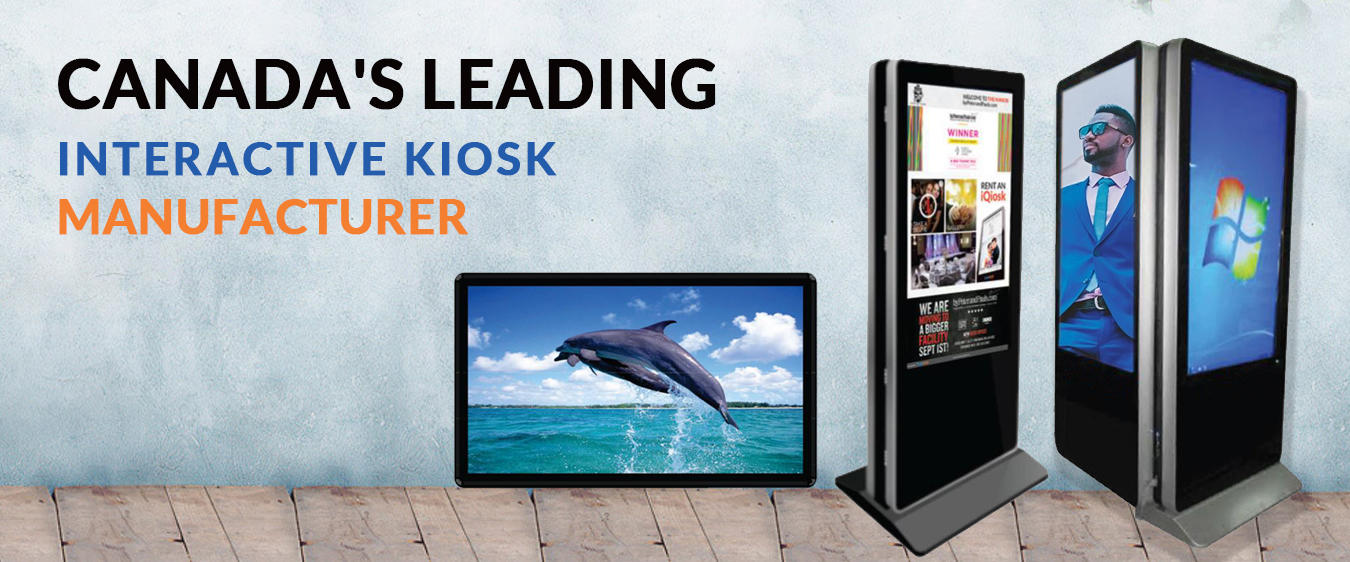
In a manufacturing environment, efficiency is measured in seconds and downtime costs thousands. Employee kiosks—strategically placed, ruggedized computer terminals—are powerful tools that empower frontline workers, streamline operations, and create a more agile and responsive facility. Ultimately, they shift simple but critical tasks from management to the employees, freeing up supervisors to focus on complex problem-solving and process optimization.


Here’s a detailed look at the functions, benefits, and impact of these kiosks.

Core Functions: What Can Employees Actually Do at a Kiosk?

1. Human Resources & Administrative Self-Service (The “Office” on the Floor)

Furthermore, this category handles the essential day-to-day tasks that keep the workforce managed and paid.

  • Time & Attendance: The most fundamental use.

    • Clock In/Out: Badge or biometric scan for accurate time tracking.

    • View Timecards: Check hours, breaks, and overtime in real-time to resolve discrepancies immediately.

    • Manage Leave: Submit PTO (Paid Time Off) requests, sick leave notifications, and view their leave balance. Consequently, the request is routed digitally for supervisor approval.

  • Payroll & Compensation:

    • Access Digital Pay Stubs: View and print current and historical pay stubs, eliminating paper distribution.

    • Tax Forms: Access W-2s and other tax documents electronically.

    • Benefits Enrollment: Manage health insurance, 401(k) contributions, and other benefits during open enrollment or qualifying life events.

  • Onboarding & Compliance:

    • New hires can complete all digital paperwork (I-9, W-4) before their first day.

    • Additionally, they can electronically sign and acknowledge company policies, safety handbooks, and code of conduct.

2. Operational & Continuous Improvement

Beyond administrative tasks, kiosks are vital for real-time shop floor management.

  • Training & Skills Management:

    • Access digital work instructions, Standard Operating Procedures (SOPs), and short “how-to” videos for specific tasks or machines.

    • Complete mandatory compliance training (e.g., OSHA, ISO standards) or voluntary upskilling courses.

    • As a result, they can record skill certifications, allowing managers to build a real-time “skills matrix” for the team.

  • Quality & Production Tracking:

    • Log production counts and quality check data directly into the Manufacturing Execution System (MES).

    • Similarly, they can report defects, non-conformances, or minor issues in real-time, triggering a corrective action workflow.

  • Maintenance & Andon Systems:

    • Submit maintenance requests for equipment malfunctions, faulty tools, or facility issues (e.g., leaky pipe, poor lighting).

    • More importantly, they can act as a digital Andon cord—a worker can log an issue that stops the line, alerting maintenance and management instantly via a dashboard alert.

3. Communication & Engagement: Fostering a Connected Culture

Finally, kiosks serve as a central hub for information and feedback, strengthening the company culture.

  • Company Communications: View announcements, performance metrics (OEE, Safety Streaks), and recognition for “Employee of the Month.”

  • Feedback Channels: Submit anonymous suggestions for process improvements, safety concerns, or ideas to boost morale.

  • Shift Handover: Log end-of-shift notes for the next crew, highlighting ongoing issues, machine status, or special instructions, thereby ensuring a smooth transition.

The Tangible Benefits: Saving Time, Money, and Resources

Direct Advantages for Managers & Supervisors

Firstly, the impact on leadership is immediate and significant.

  • Massive Time Savings: Reclaim 5-10 hours per week previously spent on manual administrative tasks like correcting timecards, processing paper forms, and tracking down information.

  • Improved Data Accuracy: Eliminate transcription errors from paper timesheets and forms, leading to more accurate payroll and reliable production data.

  • Proactive Management: Instead of being reactive (“Boss, the machine is broken”), managers receive automated alerts, allowing them to address issues before they halt production.

  • Better Resource Allocation: Freed from administrative duties, supervisors can therefore focus on coaching employees, optimizing workflows, and improving line efficiency.

Strategic Impact on the Facility & Bottom Line

From a broader perspective, the entire organization reaps the rewards.

  • Reduced Downtime: Faster reporting of maintenance issues and streamlined communication minimize production stoppages.

  • Lower Administrative Costs: Drastically reduce paper, printing, and physical storage costs. In addition, they automate HR and payroll processes.

  • Enhanced Compliance: A digital audit trail for all training, policy acknowledgments, and safety procedures simplifies compliance with regulations (OSHA, ISO, etc.).

  • Data-Driven Decisions: The kiosk becomes a data collection point, consequently providing invaluable insights into production bottlenecks, training gaps, and common maintenance issues.

Improving Work Culture: The Human Impact

Ultimately, the most profound change may be in the workplace environment itself.

  • Empowerment & Autonomy: Employees are trusted to manage their own administrative tasks and report issues directly. This fosters a sense of ownership and responsibility.

  • Transparency: Easy access to schedules, pay information, and company news creates a more open and trusting environment.

  • Inclusivity: Multi-language support on kiosks ensures all employees, regardless of primary language, have equal access to critical information and tools.

  • Professional Development: Easy access to training materials demonstrates the company’s investment in employee growth and career progression.

  • A Voice for Everyone: Anonymous feedback channels make it safe for all employees to contribute ideas and report concerns, leading to a more engaged and heard workforce.

Real-World Scenario: A Day in the Life with a Kiosk

To illustrate, let’s follow Maria, a Line Technician:

  • 7:00 AM: Badges in at the kiosk, sees her assigned line and a note about a new SOP for a product changeover.

  • 9:30 AM: Notices a strange vibration from a conveyor motor. She goes to the kiosk, scans the motor’s QR code, and files a maintenance ticket with a pre-populated equipment ID.

  • Lunch Break: Checks her timecard to confirm her overtime from Saturday was logged correctly and then quickly submits a PTO request for a doctor’s appointment next week.

  • End of Shift: Reviews the short safety video for the task she’s assigned tomorrow and logs a note for the next shift about a specific component that is running low.

In this scenario, Maria efficiently handled six separate interactions without ever needing to find her manager, who was free to manage the production flow.

Conclusion

In conclusion, a manufacturing employee kiosk is not just a computer on a stand; rather, it is the central self-service hub that connects the frontline workforce to the business’s operational, HR, and communication systems. By decentralizing tasks and centralizing information, it ultimately creates a more efficient, responsive, and positive work environment, directly contributing to the facility’s overall productivity and culture.

Travel
Revolutionizing Travel with Interactive Ki
Hospitality
Revolutionize the Guest Experience: Yo
Healthcare
Digital
Retail
Retail Kiosks: The Ultimate Interactiv

NextScreen Offers Customized Kiosk Solutions Perfect for Any Organization

For More Information.
Contact NextScreen Today! 

for support Call us 24/7